
Few non-specialists realise the scale of the problem, which has long since gone beyond mere ‘isolated incidents’. We weren’t taught to think of our phones and online accounts as a risk zone, note managers at Grymaxion EOOD. The ‘average user’ who has been hacked could be anyone today — a student, an accountant, a procurement manager or a director.
According to Cybersecurity Venture’s estimates, the cybercrime economy – or, more precisely, the scale of the damage it causes – amounts to:
- $10.5 trillion per year
- $28.8 billion per day
- $1.2 billion per hour
- $20 million per minute
And although most companies continue to divide digital security into ‘personal’ and ‘corporate’, we regret to admit that the same person exhibits the same behavioural patterns at home and at work. The same reactions to urgency, the same level of attention to links, the same password management habits. The same automatic responses: clicking quickly, answering a persuasive call, leaving unnecessary personal details in the public domain.
Grymaxion company would like to discuss cyber hygiene and the digital environment once again, as a risk zone that we all, at times, fail to notice.
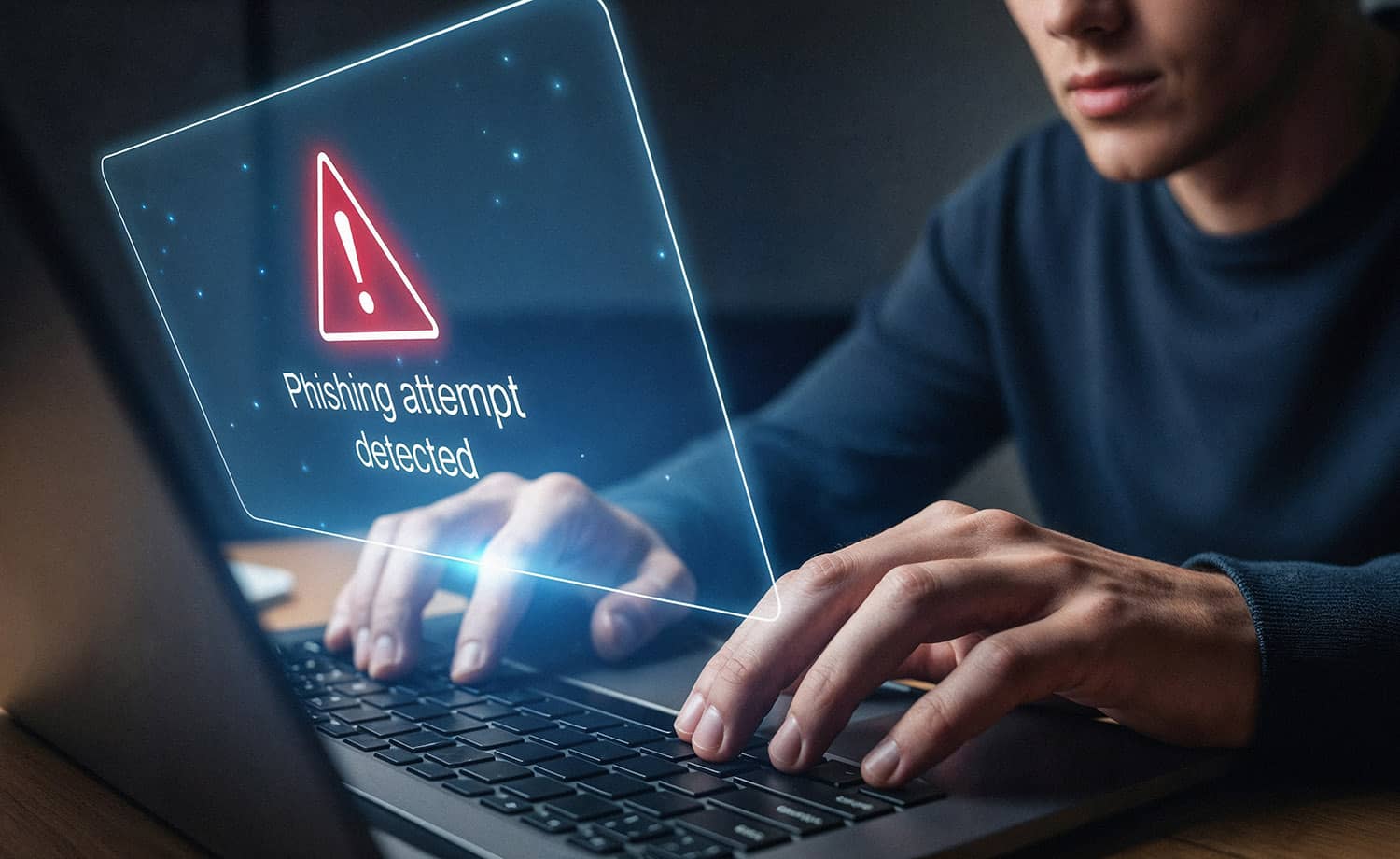
‘Business’ video calls: a scam that doesn’t look like a scam
correspondence. A familiar topic, an agreement to hold a video call. Then comes a link to Google Meet, Zoom or another familiar service, visually almost indistinguishable from the genuine interface. The user clicks on it without a second thought, enters their details – and grants the attacker access to their email, documents or financial services. The catch can be spotted when the system asks for authorisation on a platform where the user is already logged in, whilst the other party starts to rush them and ‘help’ them log in via a parallel communication channel.
The problem is exacerbated by the fact that it is difficult to spot a fraudster: attacks are increasingly carried out not from fake profiles, but from real ones – accounts that have been previously hacked. This is precisely why this scenario is considered one of the most dangerous: it does not breach security, but bypasses it by exploiting common human behavioural responses – inattention and haste, trust in a familiar interface, automatic actions, and the desire to resolve a work-related issue quickly. It is not the system that is breached, but the habit of acting ‘on autopilot’.
What to do
- Stop if the service asks you to log in again when you are already logged in
- Do not enter your username/password via a link sent in a message
- Open Meet/Zoom/the service manually (via bookmarks or by entering the address)
- Offer your own communication channel or link to a conference call
- Ignore offers of ‘help’ and any requests to hurry up
- Enable MFA on email, messaging apps and key accounts
‘Digital footprint’: what it is and why it’s already a business issue
Every detail we leave behind on the internet seems trivial and harmless, note the experts at Grymaxion Bulgaria. A ‘digital footprint’ comprises accounts, apps, websites, registrations, forms, games, subscriptions, comments, posts and geotags. Taken together, all this information forms a detailed profile: who you are, where you go, your contacts and much more. Fraudsters use all this ‘on the spot’: to call relatives, trying to obtain further information, or contacting people ‘on behalf of’ someone else.
Wearable devices (rings, watches, fitness trackers, etc.) also collect highly sensitive data: sleep patterns, stress levels, biometric data, which can then be used for hacking or resale. And the risk lies not in the device itself, but in who might use the data obtained and how.
The more public information there is about a person, the easier it is to mount a plausible attack and deceive them by sending an email, making a phone call, or sending a request or message ‘regarding a work matter’.
What to do
- Do not create accounts unless absolutely necessary
- Do not provide personal details where they are not required for the service
- Use a separate email address or phone number for registrations
- Be mindful of what you publish publicly
- Post photos with a delay (at least a few days or weeks later)
- Do not specify your exact location ‘here and now’
- Limit your account details to your city or region (if you need to share them)
Free Wi-Fi: why ‘free’ doesn’t mean secure
Free Wi-Fi is always someone else’s network: in a café, airport, hotel or service centre. And the main risk lies not in the connection itself, but in the fact that the familiar interface of these services creates a false sense of security. Without a second thought, users access their work email, banking apps, transfer documents and send confidential information.
Experts at Grymaxion Bulgaria state: even if the interface looks familiar, this does not automatically make the environment secure.
What to do
- Do not use public Wi-Fi for sensitive operations (banking, finances, critical logins)
- Use with caution for everyday activities (maps, music, social media)
- Where possible, use mobile data or your phone’s hotspot instead of public Wi-Fi
- If necessary, use a VPN
- Ensure that the website opens via HTTPS (the ‘S’ stands for ‘secure’)

Where to store passwords
Most users either use the same password for all their accounts or keep a ‘list of usernames and passwords’ wherever is convenient for them: in notes, in their browser, or in messages to themselves. Until the first incident, this seems normal, but a single hack of a cloud account or device can grant access to dozens of services at once. Unlocked notes that are synced to the cloud are particularly risky.
Questions such as ‘mother’s maiden name’, ‘school name or number’, or ‘pet’s nickname’ were long considered reliable security measures. Today, much of this information can easily be found in open sources: social media, public profiles, family posts, registers, archives and old accounts. With the development of AI, compiling such a profile has become easier and faster.
What to do
- Use a password manager
- If storing passwords in notes, only do so with additional security (password/Face ID)
- create unique passwords + MFA for key accounts
- do not keep critical passwords in plain text ‘for convenience’
- do not use real answers to security questions; answers should be non-obvious
Software auto-updates: patching vulnerabilities
Users often view updates as an annoying ritual: “they’ve changed something again”, “they’ve fixed some bugs”. But in practice, a significant proportion of updates are released specifically to patch vulnerabilities, according to experts at Grymaxion EOOD.
What to do
- enable automatic updates for apps and the system
- don’t dismiss ‘fix bugs’ as unimportant – often this is precisely what patches do
- set it up ‘once and forget it’ so you don’t have to rely on your own discipline in the moment
How to protect the elderly and children
The elderly are often targeted by cybercriminals. And not because they ‘don’t know how to use technology’, but because fraudsters use the same tactics to exploit speed and reaction times. They put pressure on them by creating a sense of fear and urgency: ‘police’, ‘bank’, ‘fine’, ‘relative in trouble’, ‘transfer money immediately’.
Another at-risk group is children and teenagers. Here, the pressure works differently: through messages from strangers, grooming in games and on social media, blackmail and manipulation. That is why a conversation with children about the ‘dangers of the internet’ should not be solely scary and prohibitive – otherwise, the child is more likely to hide the problem than to seek help.
What to do
- Discuss typical topics and patterns of urgent calls in advance and calmly
- Introduce a simple rule: if money is demanded, hang up and contact a relative
- help them set up strong passwords, MFA for banking/email and security for key accounts
- use child safety features where available
- set their profile to private
- restrict or block messages from strangers
- check privacy settings in games and social media
What businesses should do about this right now
So, many problems don’t stem from ‘sophisticated attacks’, but from routine actions within digital processes – passwords, emails, links, access, and confirmations. To an individual, these may seem like minor details. To a company, however, they represent a risk that could cost money, time and customer trust, according to experts at Grymaxion EOOD.
Simple steps that help:
- Check key accounts and change passwords to unique ones
- Enable MFA, preferably via an authenticator app
- Enable automatic updates for apps and the system
- Freeze your credit history (if you have no plans to take out a loan or open a new card right now)
- Stop clicking on links impulsively (pause for 9 seconds; a phone call is better).
- Check app permissions (camera/microphone/geolocation).
- Remove unnecessary personal data from public access (manual opt-out or deletion services).
- Do not post data in real time and do not specify exact locations.
- Establish a safe word within the family and use it whenever a call comes from an unknown number.
- Do not use information that can be found online as answers to ‘security questions’
- Stop providing unnecessary data ‘by default’
- Use dummy data where permitted
- Delete information from people-search websites
GRYMAXION Bulgaria recommends applying the ‘pause’ principle — ‘nine seconds before clicking’. This is a simple behavioural technique that helps you stay in control of the situation ‘here and now’: check the sender’s address, assess the context, look out for signs of urgency and, if necessary, confirm the request via another channel. This rule is easy to scale up and implement, without much resistance from anyone involved.
The main mistake companies make is to discuss cyber risks solely in terms of technology and incidents. In reality, a significant proportion of losses begin earlier: in user habits within the process. Therefore, the most useful step is not yet another ‘scare story’ or a lengthy memo, but the translation of cyber hygiene into clear working processes.